Choosing the Right Online Work Tools for a Sustainable Remote Career
When I first started working remotely, I made the same mistake a lot of people do: I signed up for every tool that promised to make my life easier. My browser had more tabs open than I could count, my notifications were a constant buzz, and I spent more time switching between apps than actually getting work done. It took a few months and a couple of missed deadlines before I realized that the goal isn't to use as many online work tools as possible. It's to find the ones that fit the way you actually work, and then learn to use them well.
That lesson stuck with me through several freelance projects, a full-time remote role, and eventually building my own small team. The tools I rely on today are not the flashiest or the most popular. They are the ones that disappeared into the background and let me focus on the work itself. If you're just starting out, or if you're feeling overwhelmed by the sheer number of options, here's a grounded look at what matters when you're putting together your own toolkit.
Start with Communication, Not the Other Way Around
Remote work lives and dies by communication. Before you worry about project management or time tracking, think about how your team actually talks to each other. For most of us, that means a mix of instant messaging and video calls. Slack has become the default for a lot of teams because it's flexible and integrates with almost everything else. Microsoft Teams is a strong choice if you're already in the Microsoft ecosystem, especially for larger organizations that need tight security and compliance.
But here's the thing: the tool matters less than the habits you build around it. I've seen teams use Slack beautifully with just a few channels and clear guidelines, and I've seen teams drown in notifications because they treated every message as urgent. Set expectations early. Decide which conversations happen in real time and which can wait. And for video calls, Zoom is still the workhorse for most people, but it's worth exploring alternatives like Google Meet if you're already using Google Workspace. The key is to pick one primary tool and stick with it, rather than juggling three different apps for the same kind of conversation.
Project Management Without the Overhead
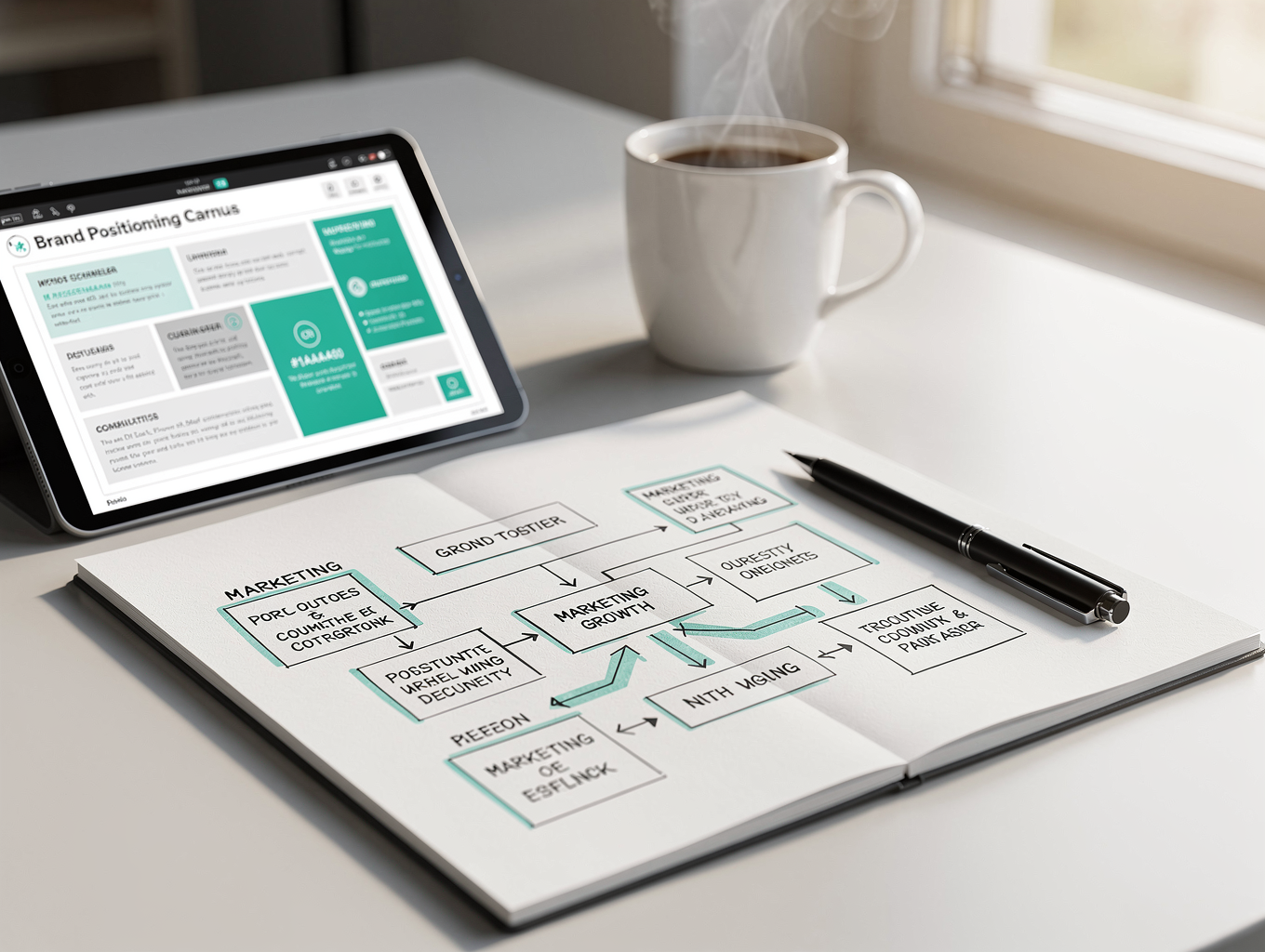
Once communication is sorted, you need a way to track work. This is where people often go overboard. Trello is great for simple, visual workflows like a content calendar or a personal to-do list. Asana gives you more structure with tasks, subtasks, and dependencies, which is useful when you're coordinating a small team. Notion is a different beast altogether: it's part document, part database, and part wiki, and it can be as simple or as complex as you want it to be.
My advice is to start with something basic and only add complexity when you actually need it. I spent a week building a beautiful Notion workspace once, only to abandon it because it was too much maintenance. What worked better was a simple Trello board with a few lists and clear labels. The goal is to know what's being worked on and who's doing it, not to create a system that requires its own project manager. If you're working solo, Todoist is a lightweight option that syncs across devices and keeps your personal tasks in order. For teams that prefer a more collaborative approach, Basecamp offers a simple, all-in-one package that includes message boards, to-dos, and file sharing without a steep learning curve.
File Sharing and Collaboration That Actually Works
No matter what you do, you're going to need to share files. Dropbox has been around forever and remains reliable, especially for large files and syncing across devices. Google Workspace is hard to beat for real-time collaboration on documents and spreadsheets, and it's free for personal use. The real challenge is version control. I've lost count of how many times I've received a file named "final_v3_updated_FINAL" and wondered if it was the right one. The solution is to have a single source of truth. If you're working with a team, agree on where files live and how they're named. If you're using Dropbox or Google Drive, make sure everyone knows the folder structure and sticks to it.
For visual work, Figma has become the standard for UI and design collaboration, and it's also useful for whiteboarding and brainstorming. Miro is another excellent option for visual thinking, especially when you need a digital whiteboard for planning sessions or retrospectives. And if you're creating documentation or meeting notes, Evernote is still a solid choice for capturing ideas on the go, though Notion and Google Docs often serve the same purpose. The key is to avoid having files scattered across half a dozen platforms. Pick one or two, and make them work well.
Time Tracking and Productivity: The Tools That Keep You Honest
Time tracking is one of those things that sounds tedious but can be genuinely eye-opening. When I first started using Toggl, I was shocked at how much time I was spending on email and status updates. Hubstaff goes a step further with screenshots and activity monitoring, which is useful if you're managing a remote team and need to verify work, but it can feel invasive if you're on the receiving end. Clockify is a free alternative that covers the basics well.
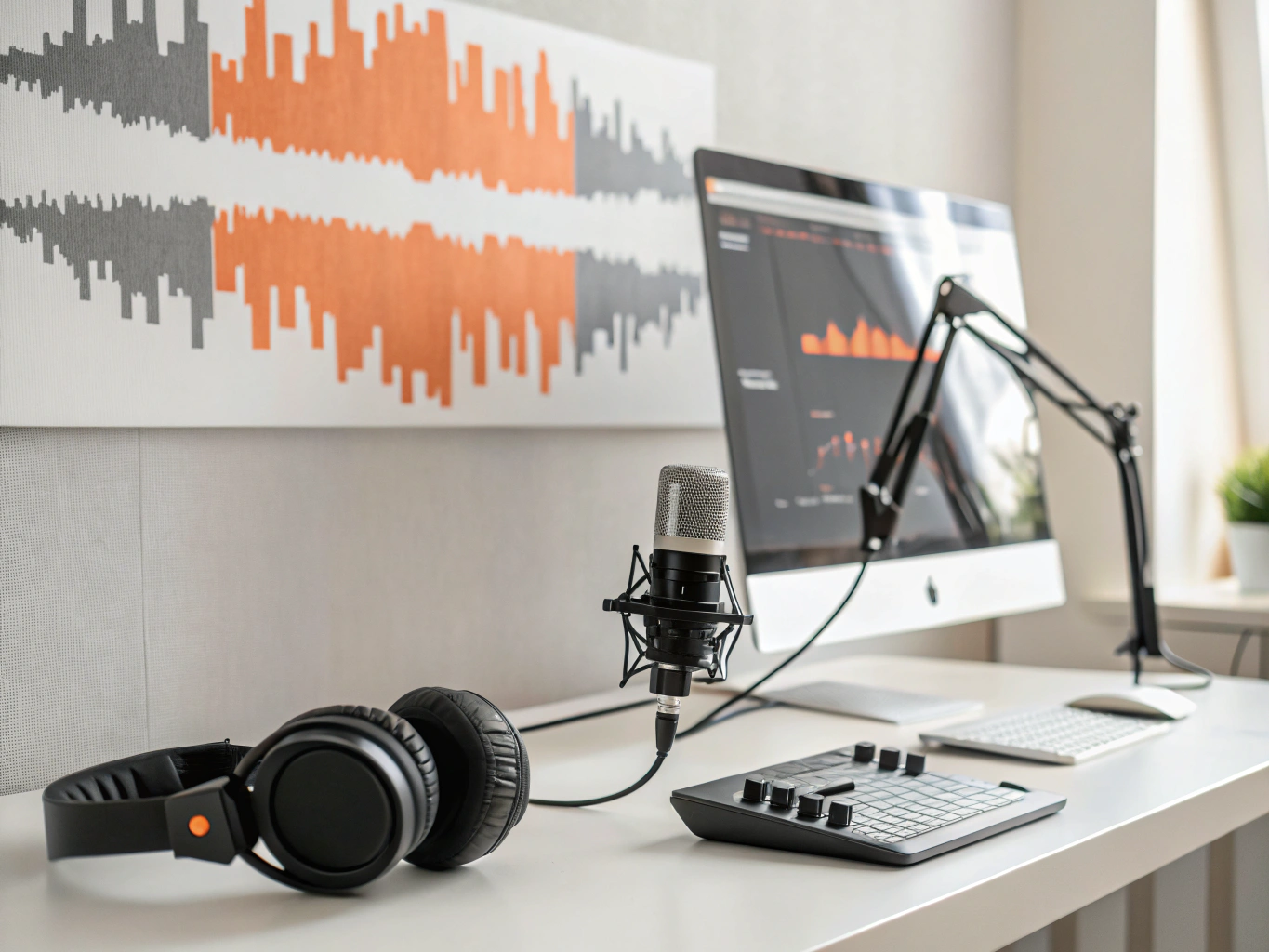
The key is to track your time not for surveillance, but for insight. If you're billing clients by the hour, accurate tracking is non-negotiable. If you're on a salary, tracking your time can help you identify where you're spending too many hours and where you can be more efficient. I recommend tracking for a week just to see your own patterns. You might find that you're more productive in the morning, or that you're spending too much time in meetings. That data is gold, and it can guide how you structure your day.
Security and Admin: The Boring Stuff That Saves You
It's easy to overlook the administrative side of remote work, but it's just as important as the creative and collaborative tools. LastPass is a password manager that keeps your credentials secure and accessible, which is essential when you're logging into multiple accounts across different devices. DocuSign makes it possible to sign contracts and agreements without printing a single page, and it's legally binding in most jurisdictions. Calendly eliminates the back-and-forth of scheduling meetings, and it integrates with your calendar to show your availability in real time.
These tools might not be as exciting as a new collaboration platform, but they save you time and headaches. I once missed a contract deadline because I was waiting for a client to send a signed PDF. With DocuSign, that whole process takes minutes. And I can't tell you how many times Calendly has saved me from the endless "Are you free on Tuesday?" email chain. The right online work tools aren't just about getting work done; they're about protecting your time and your sanity.
Finding Your Own Balance
There is no perfect stack of online work tools that works for everyone. What works for a solo freelancer will be different from what works for a five-person startup, and that's okay. The best approach is to start with the essentials, get comfortable with them, and then add more as you see a clear need. Resist the urge to switch tools just because something new and shiny comes along. The cost of switching is real, and it's not just the subscription price. It's the time you spend learning the new system and migrating your data.

One more thing: don't forget the human side. Tools are there to support your work, not to replace it. If you find yourself spending more time managing your tools than actually doing the work, that's a sign you need to simplify. I've been there, and it's a trap. The best remote workers I know are the ones who have a small set of reliable tools and use them consistently. They don't chase every new app, and they don't let their tools dictate how they work. They make the tools work for them.
So, as you build your own toolkit, keep it simple, stay flexible, and remember that the ultimate goal is sustainable work that you're proud of. The right tools will help you get there, but the real work is yours.